Create your dynamic wallpaper

WhiteNight is a free app for creating dynamic wallpapers for macOS. Starting with macOS Mojave, Apple introduced cool features such as "dynamic wallpapers" and "light and dark wallpapers." With WhiteNight, you can easily create these with just a few clicks.

Create your dynamic wallpaper

WhiteNight is a free app for creating dynamic wallpapers for macOS. Starting with macOS Mojave, Apple introduced cool features such as "dynamic wallpapers" and "light and dark wallpapers." With WhiteNight, you can easily create these with just a few clicks.

Create your dynamic wallpaper

WhiteNight is a free app for creating dynamic wallpapers for macOS. Starting with macOS Mojave, Apple introduced cool features such as "dynamic wallpapers" and "light and dark wallpapers." With WhiteNight, you can easily create these with just a few clicks.

Three modes, multiple variations

WhiteNight supports three types of wallpapers: solar position, time, and appearance. The solar position mode includes a built-in solar position calculator, and the time mode is accurate to the second, allowing your dynamic wallpaper to change perfectly.

Sun Position

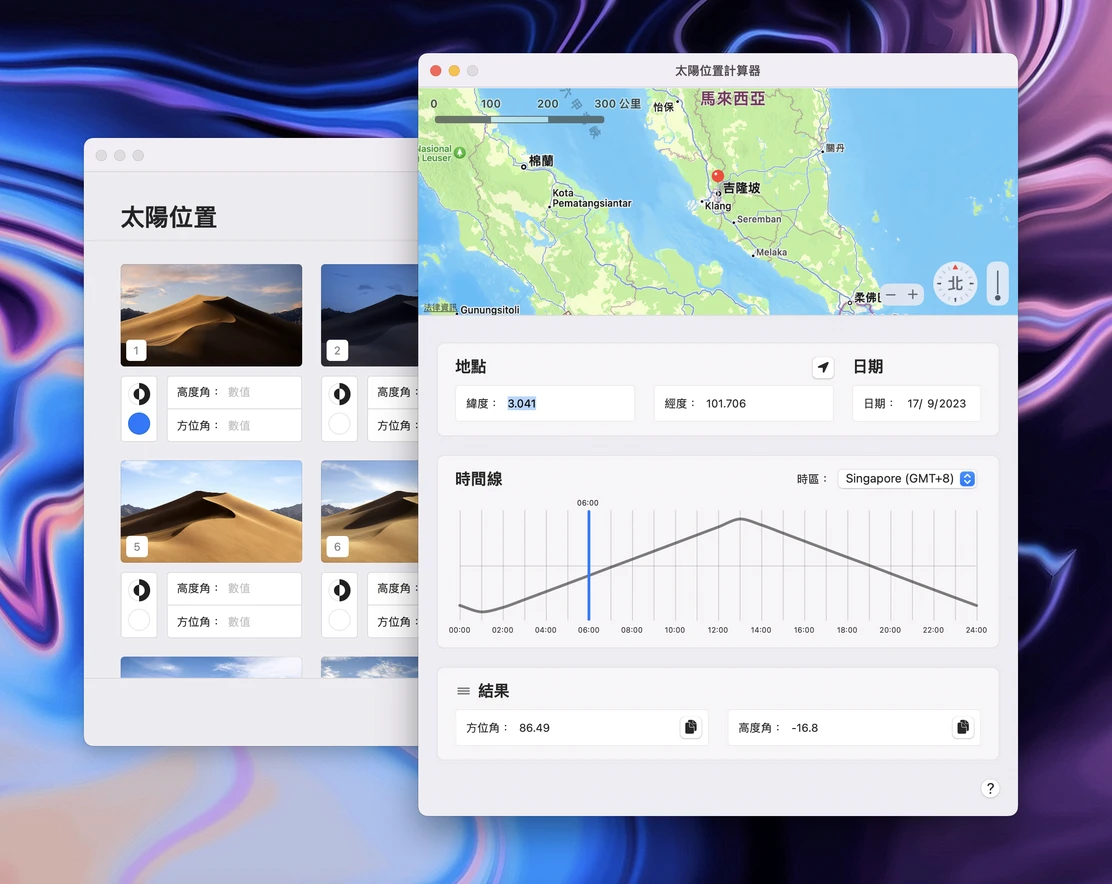
Create wallpapers based on the sun’s position. The desktop image changes according to the sun’s position in the sky. Built-in sun position calculator helps you calculate the sun’s position in the sky.

time

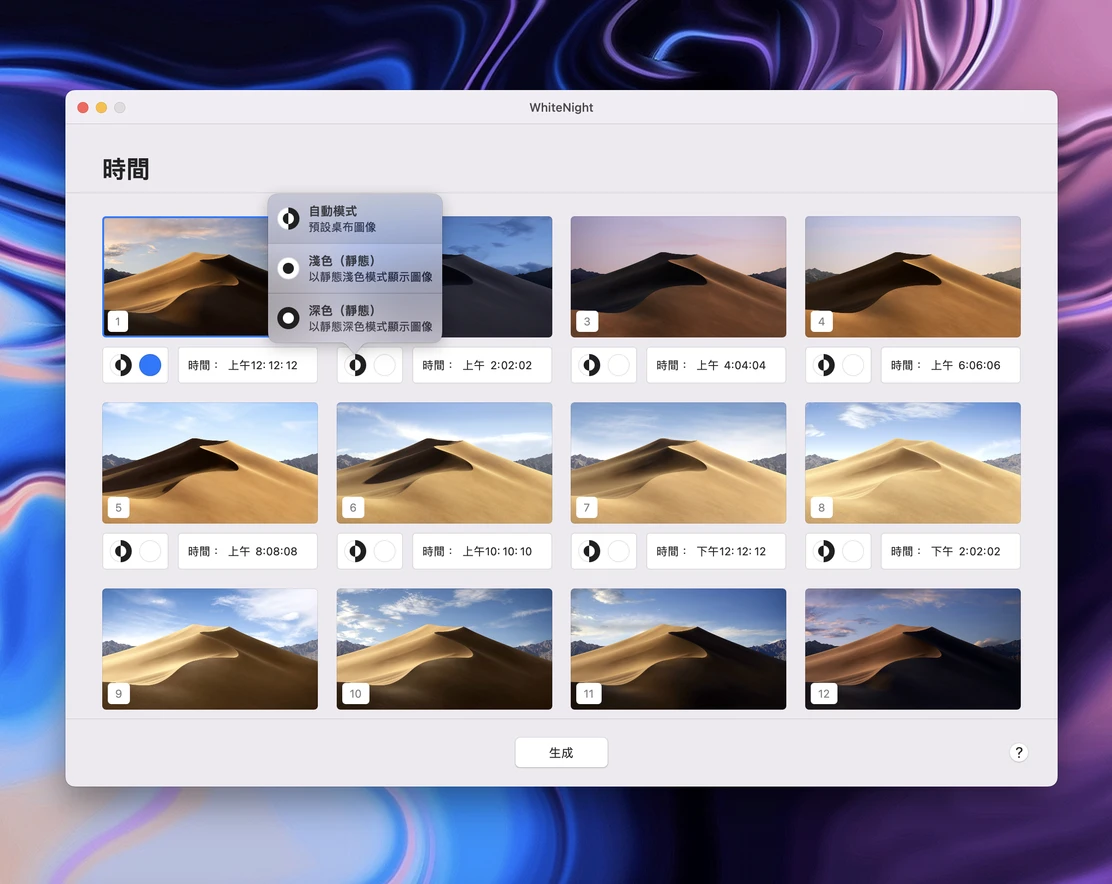
Create wallpapers based on time. Desktop images change according to the time you choose. With second-level precision, you can set different backgrounds for light and dark modes at different times.

Appearance

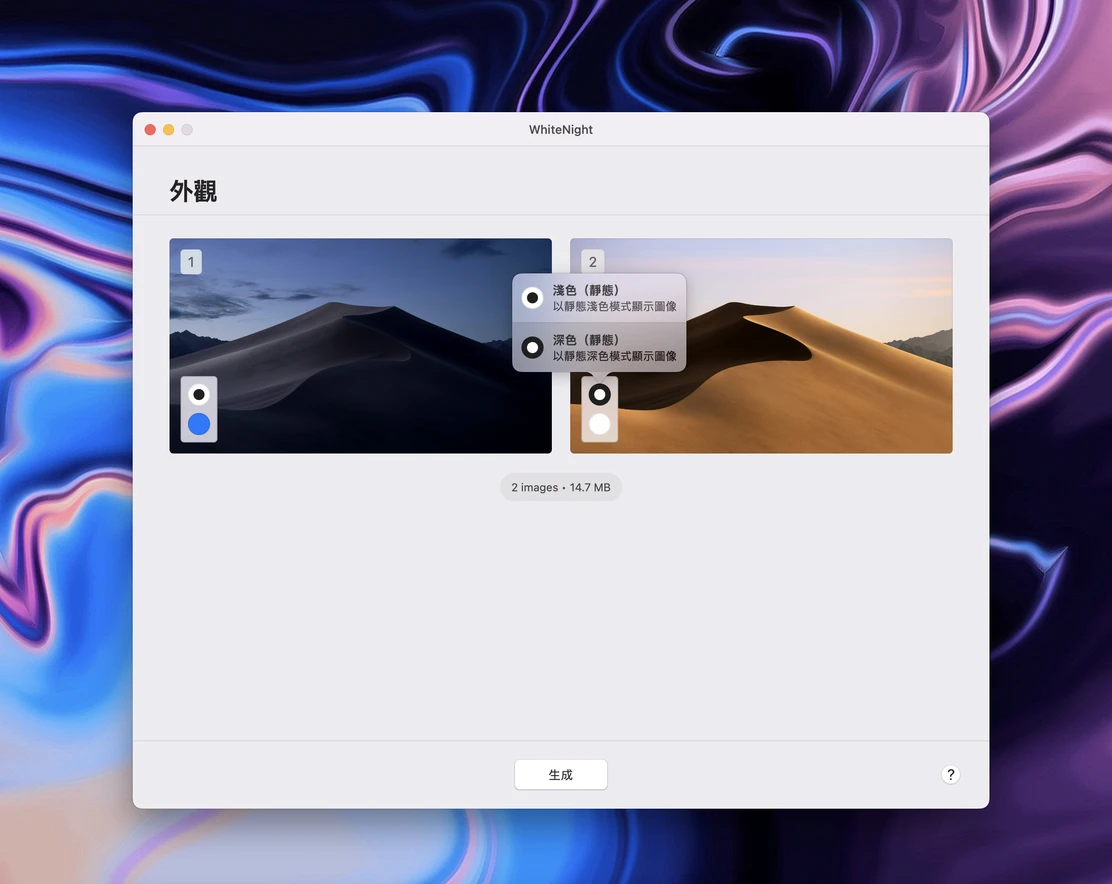
This wallpaper is very simple. The desktop image changes according to changes in the system appearance. You only need to prepare two images: one for light mode and another for dark mode.

Quick setup and sharing

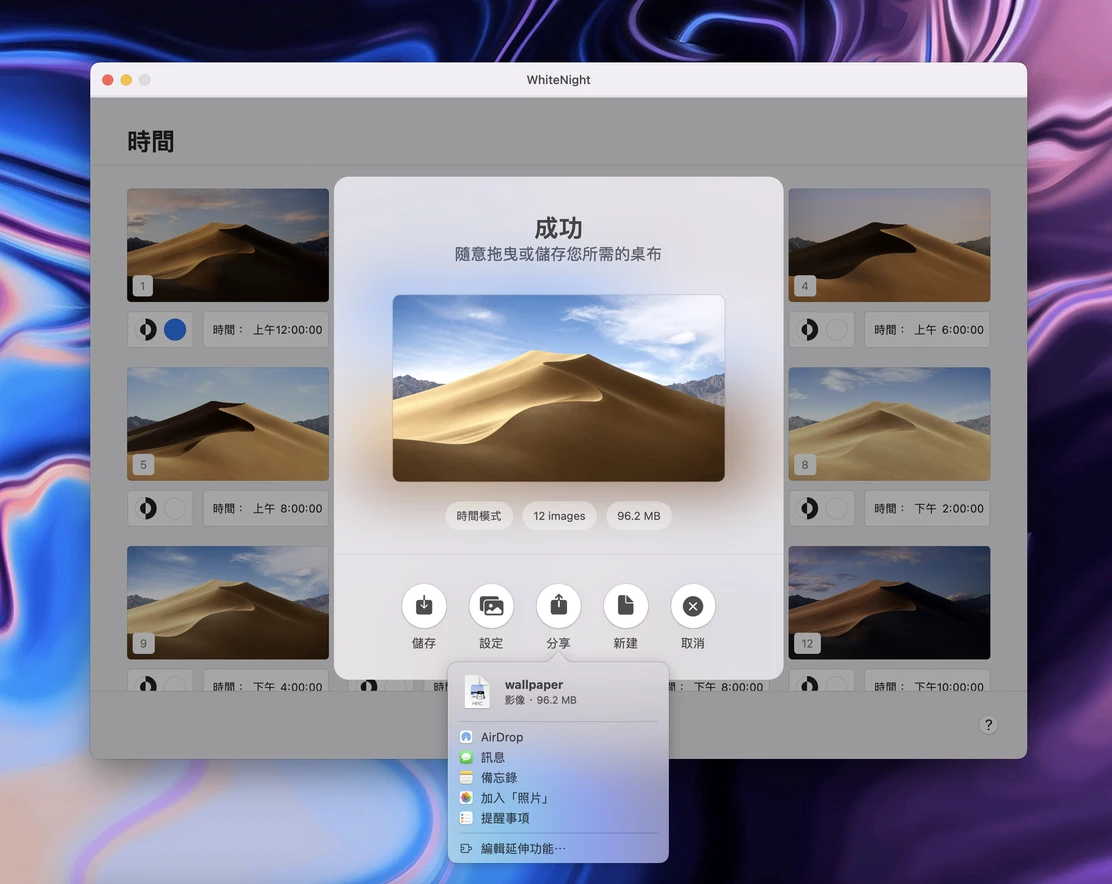
Once creation is complete, you can set and save your wallpaper with one click, and use the system’s built-in sharing feature to share it with your friends.

Three modes, multiple variations

WhiteNight supports three types of wallpapers: solar position, time, and appearance. The solar position mode includes a built-in solar position calculator, and the time mode is accurate to the second, allowing your dynamic wallpaper to change perfectly.

Sun Position

Create wallpapers based on the sun’s position. The desktop image changes according to the sun’s position in the sky. Built-in sun position calculator helps you calculate the sun’s position in the sky.

time

Create wallpapers based on time. Desktop images change according to the time you choose. With second-level precision, you can set different backgrounds for light and dark modes at different times.

Appearance

This wallpaper is very simple. The desktop image changes according to changes in the system appearance. You only need to prepare two images: one for light mode and another for dark mode.

Quick setup and sharing

Once creation is complete, you can set and save your wallpaper with one click, and use the system’s built-in sharing feature to share it with your friends.

Three modes, multiple variations

WhiteNight supports three types of wallpapers: solar position, time, and appearance. The solar position mode includes a built-in solar position calculator, and the time mode is accurate to the second, allowing your dynamic wallpaper to change perfectly.

Sun Position

Create wallpapers based on the sun’s position. The desktop image changes according to the sun’s position in the sky. Built-in sun position calculator helps you calculate the sun’s position in the sky.

time

Create wallpapers based on time. Desktop images change according to the time you choose. With second-level precision, you can set different backgrounds for light and dark modes at different times.

Appearance

This wallpaper is very simple. The desktop image changes according to changes in the system appearance. You only need to prepare two images: one for light mode and another for dark mode.

Quick setup and sharing

Once creation is complete, you can set and save your wallpaper with one click, and use the system’s built-in sharing feature to share it with your friends.

All images displayed on this page are protected by the copyright of their respective companies and authors, and do not imply any endorsement.

All images displayed on this page are protected by the copyright of their respective companies and authors, and do not imply any endorsement.

All images displayed on this page are protected by the copyright of their respective companies and authors, and do not imply any endorsement.

Create a free website with Framer, the website builder loved by startups, designers and agencies.