
PegasusText
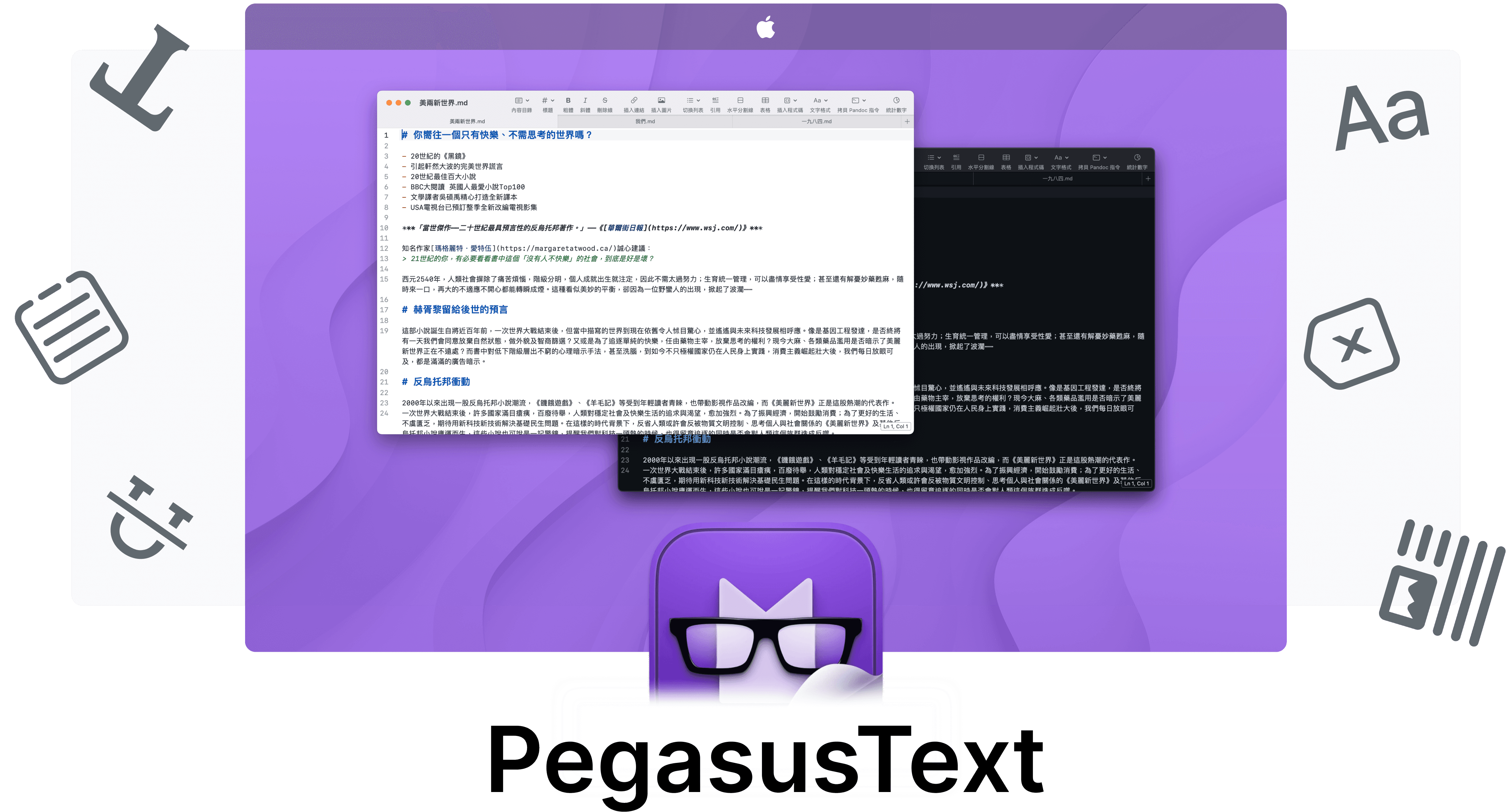
Simple, lightweight, and fast
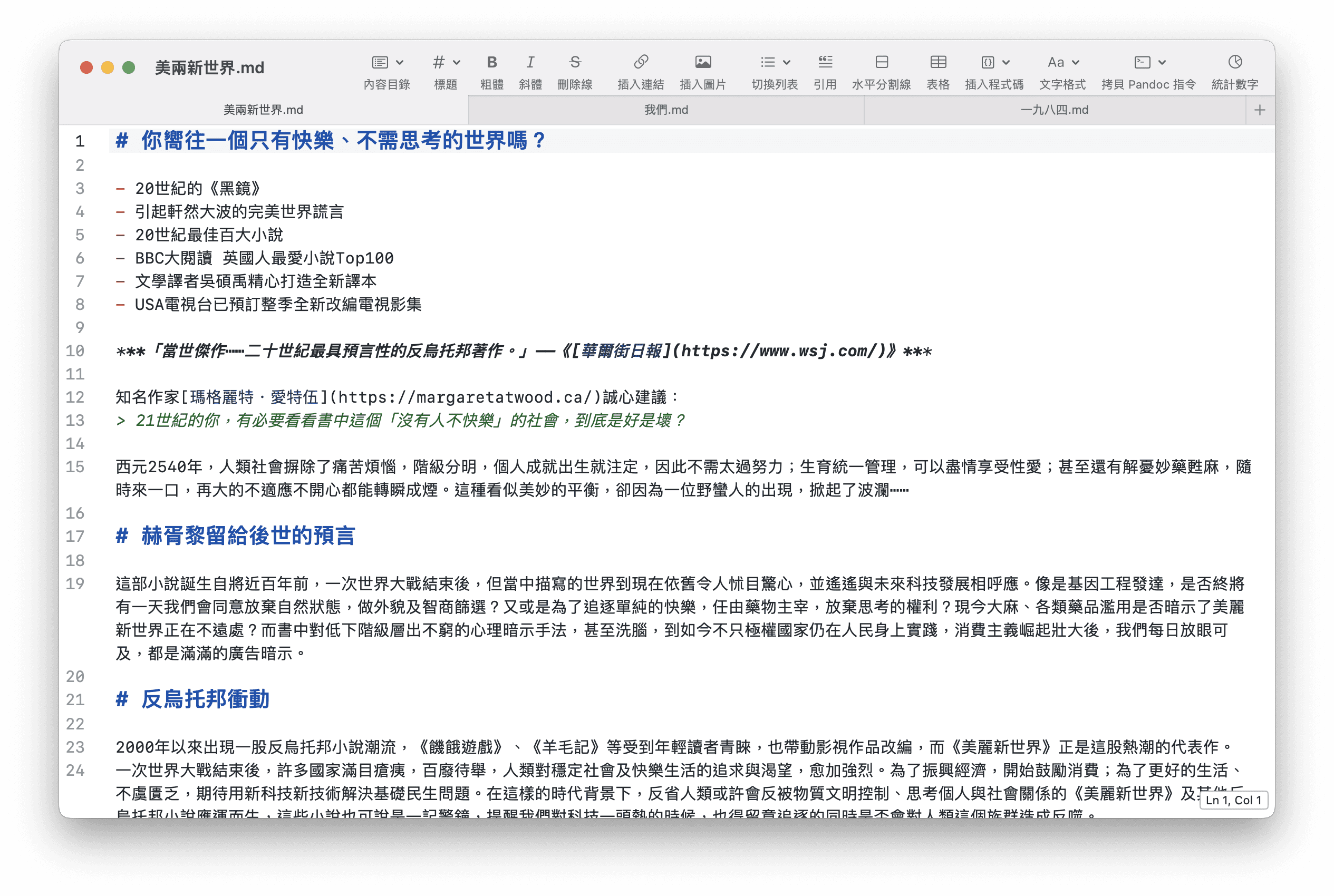
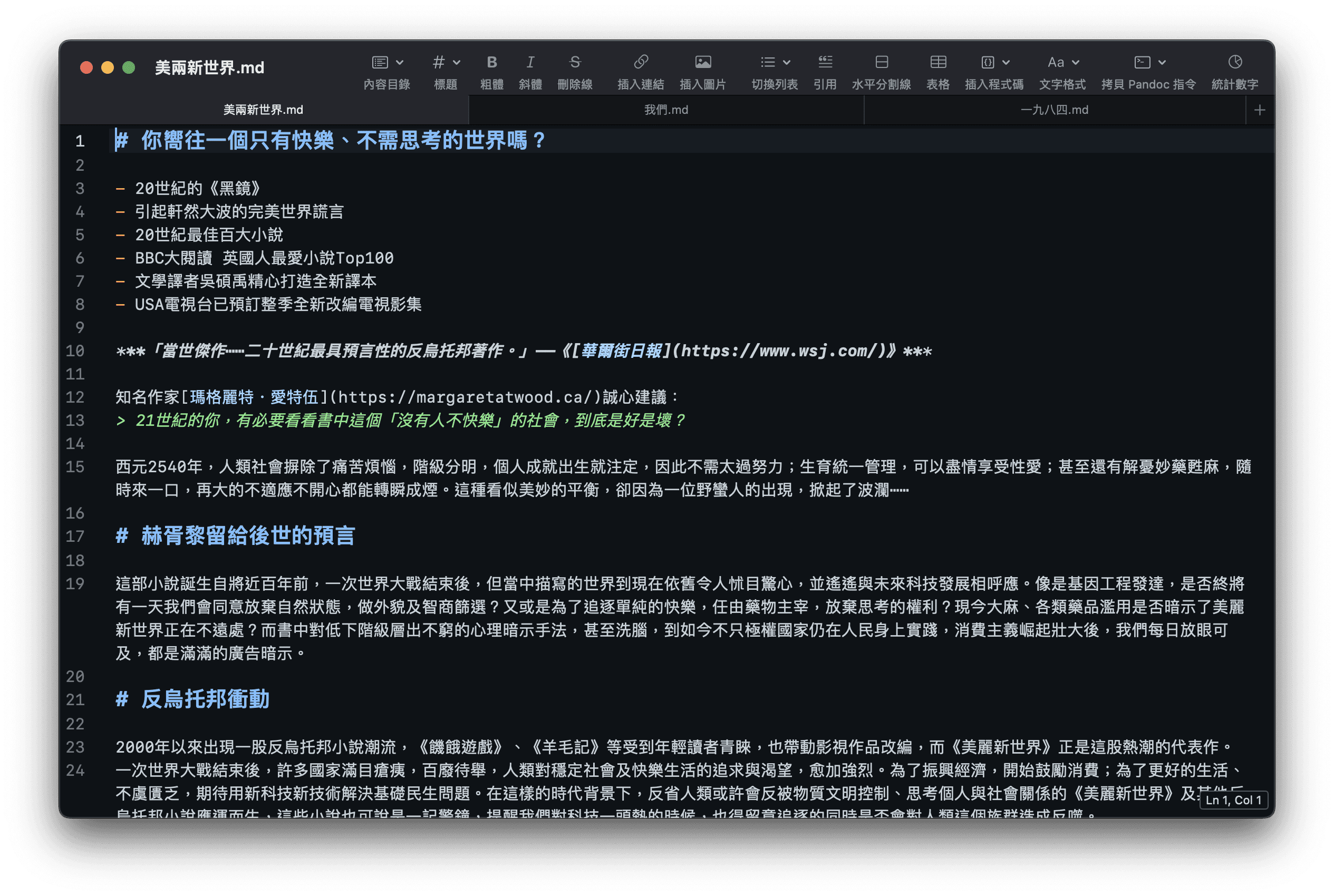
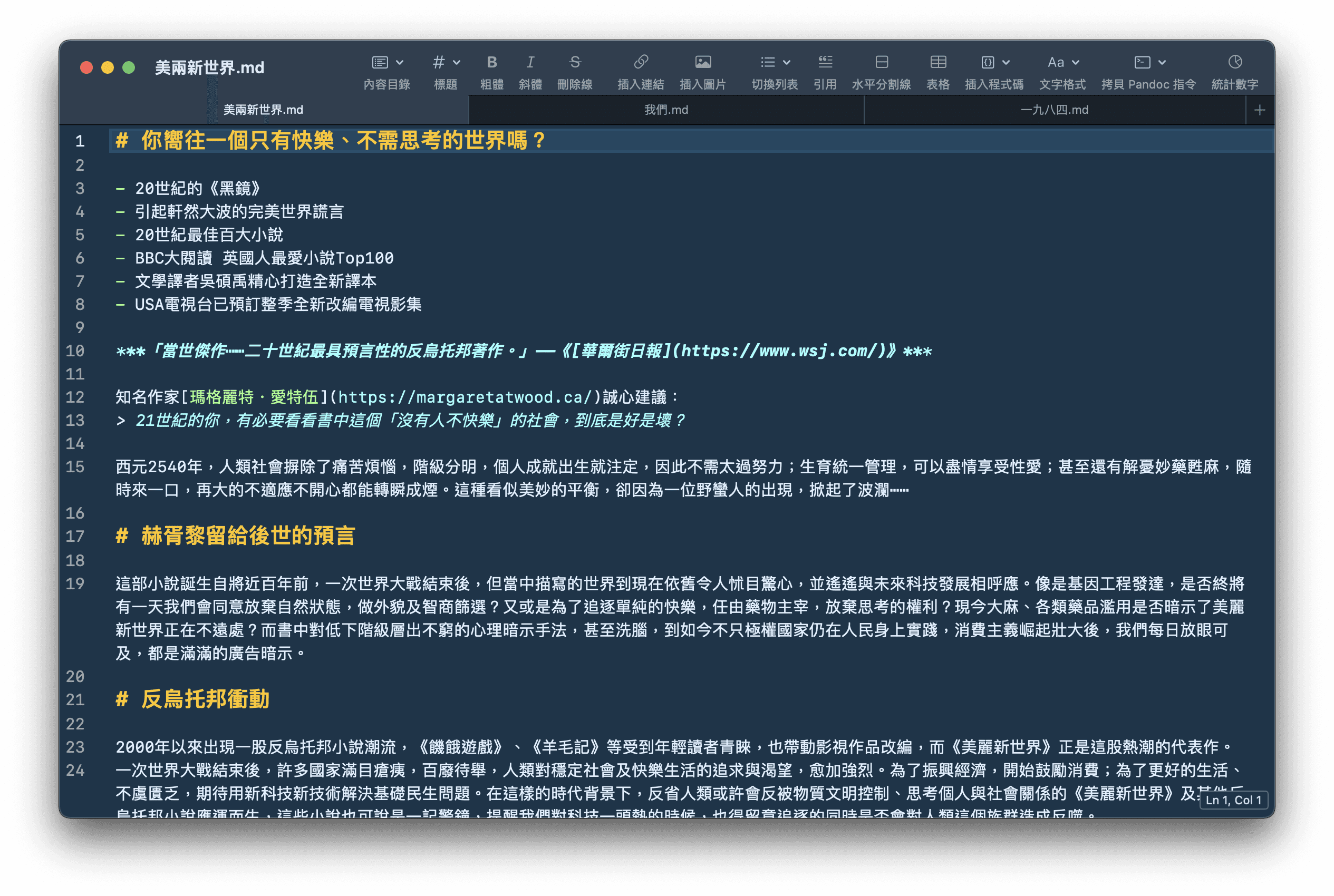
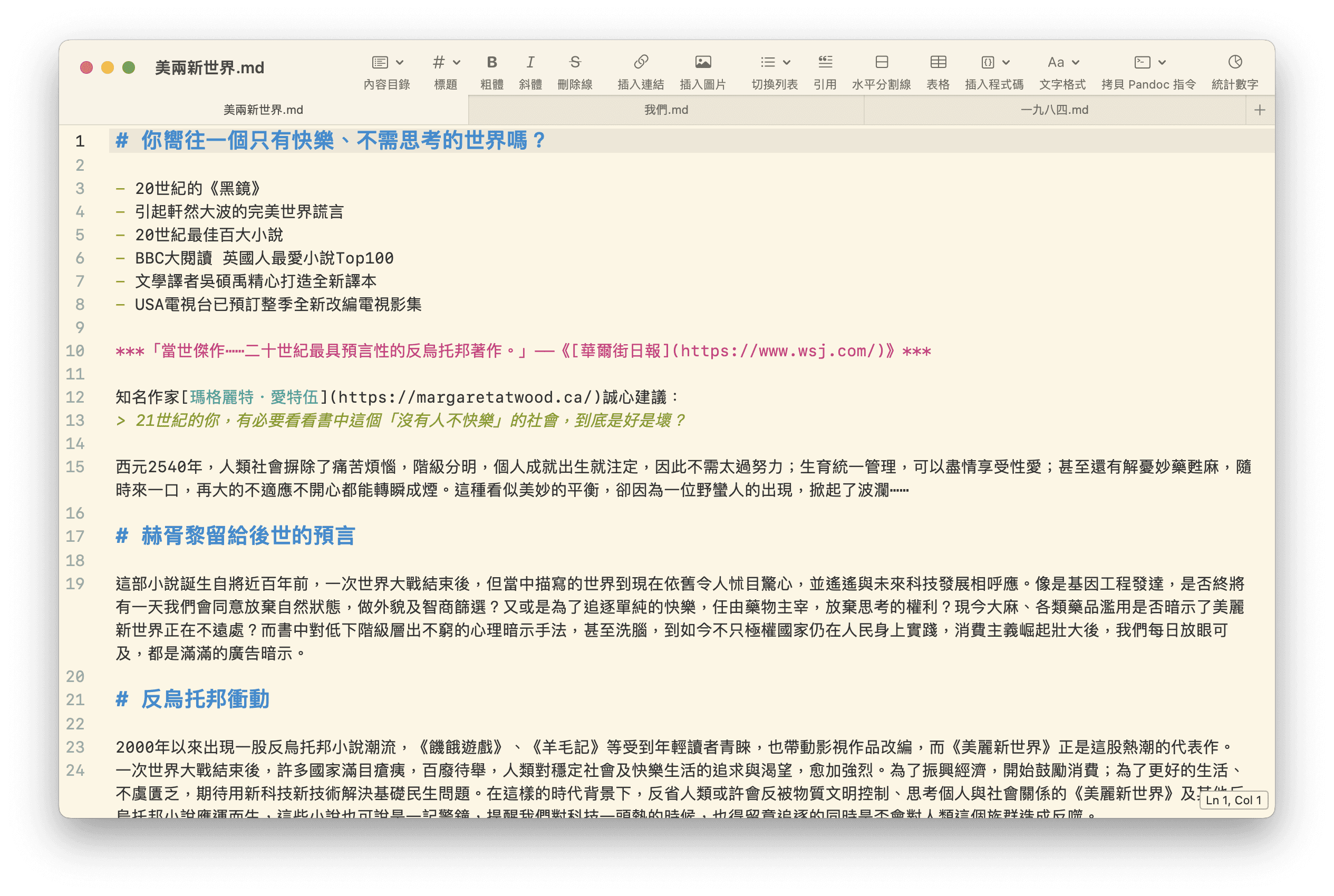
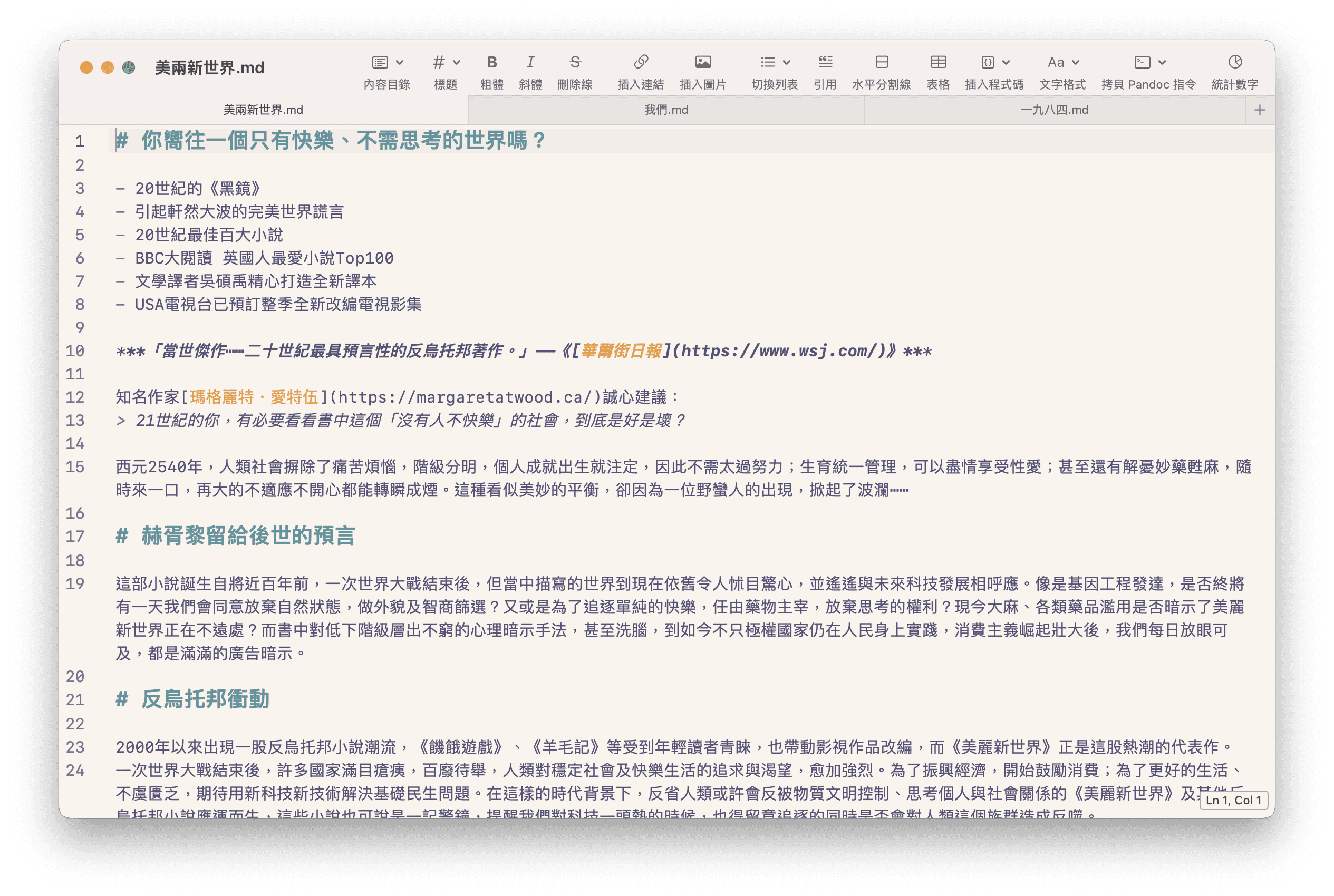
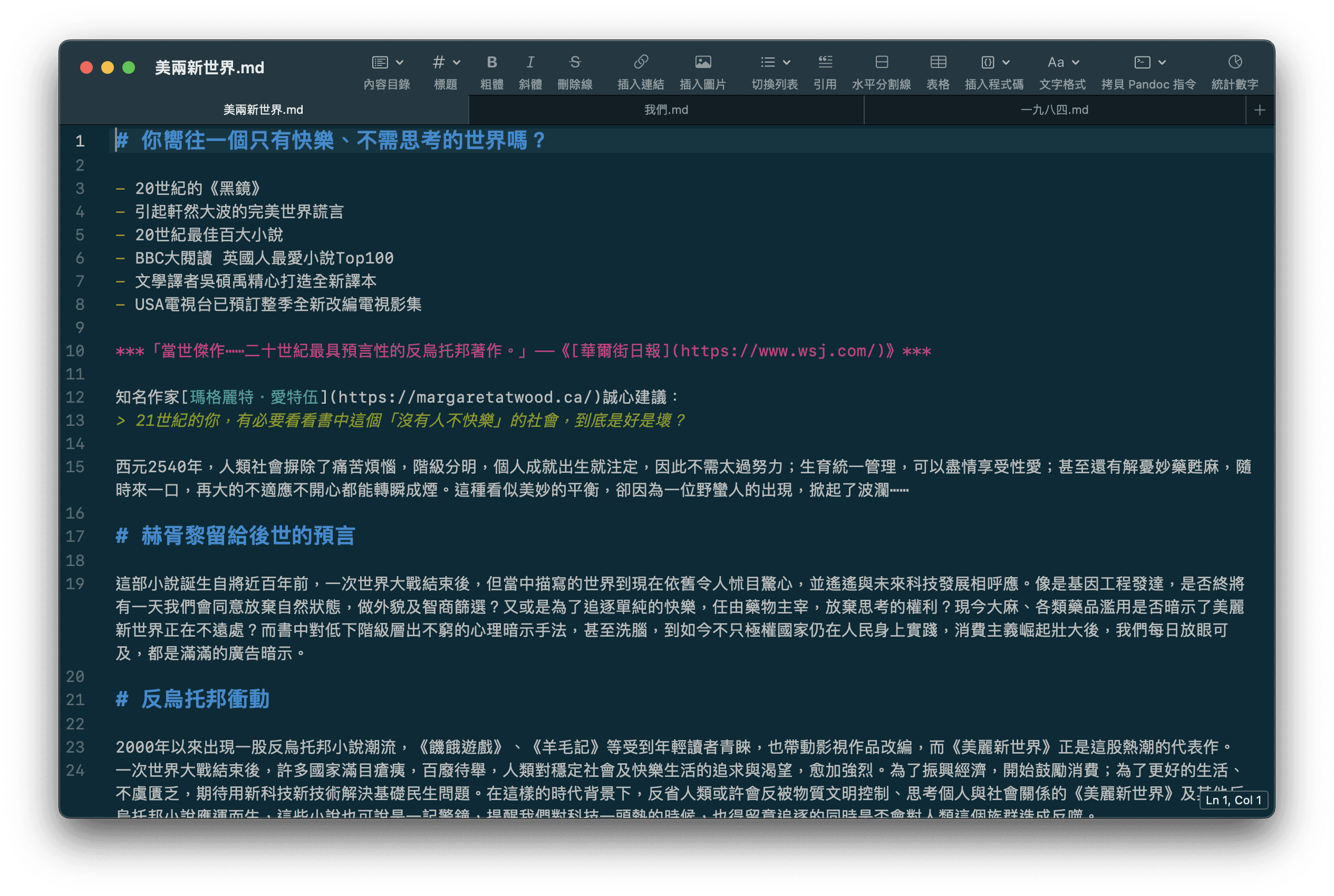
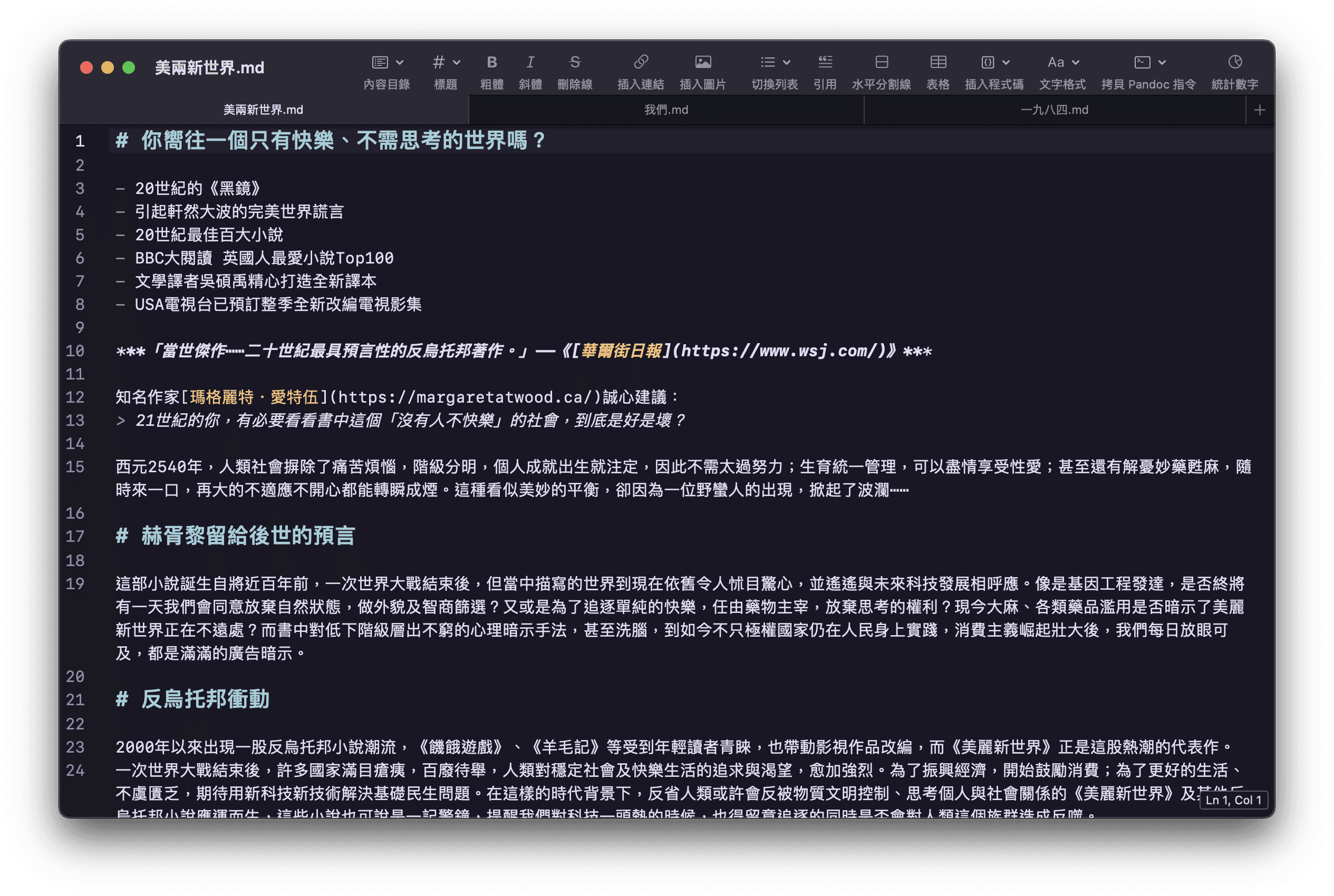
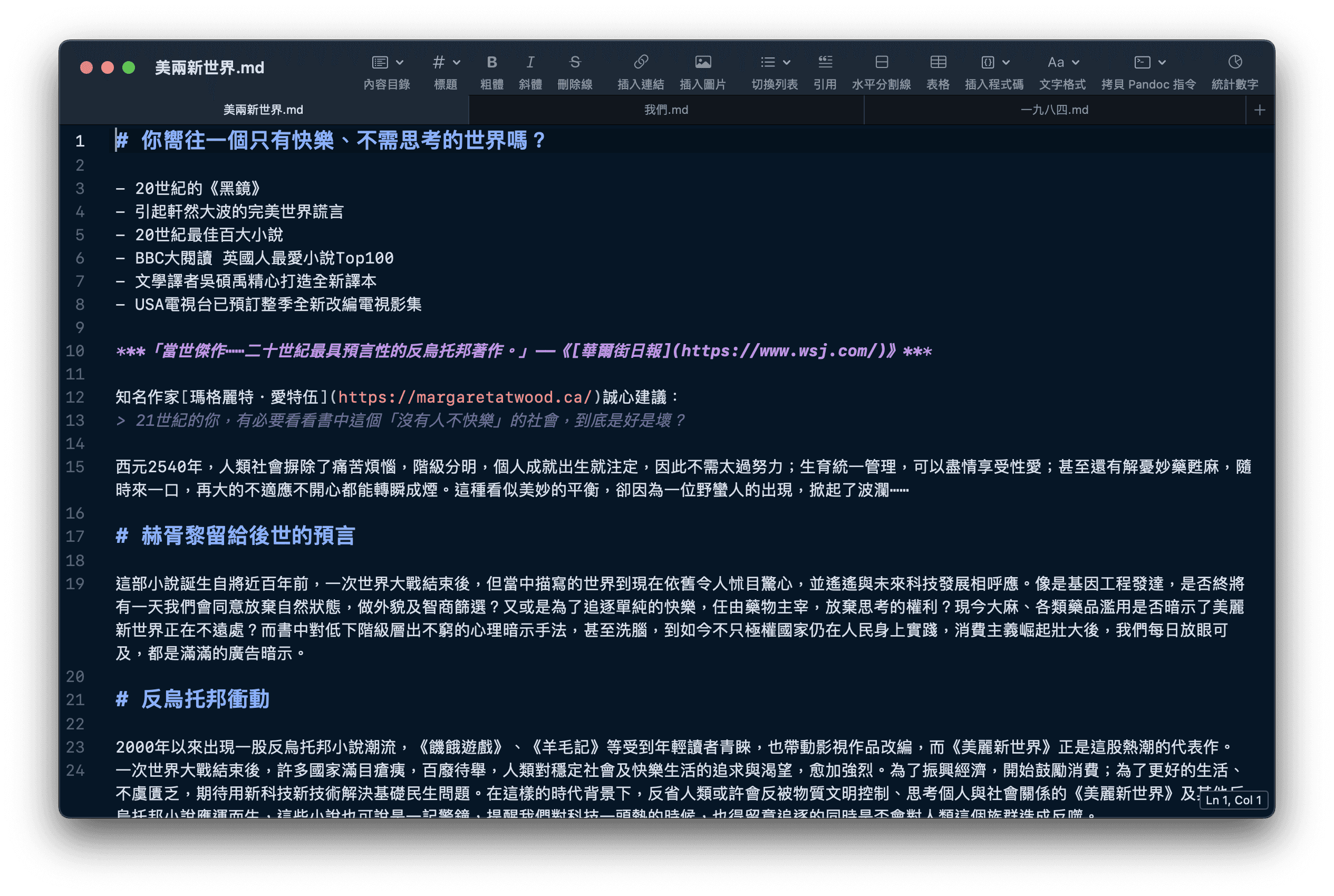
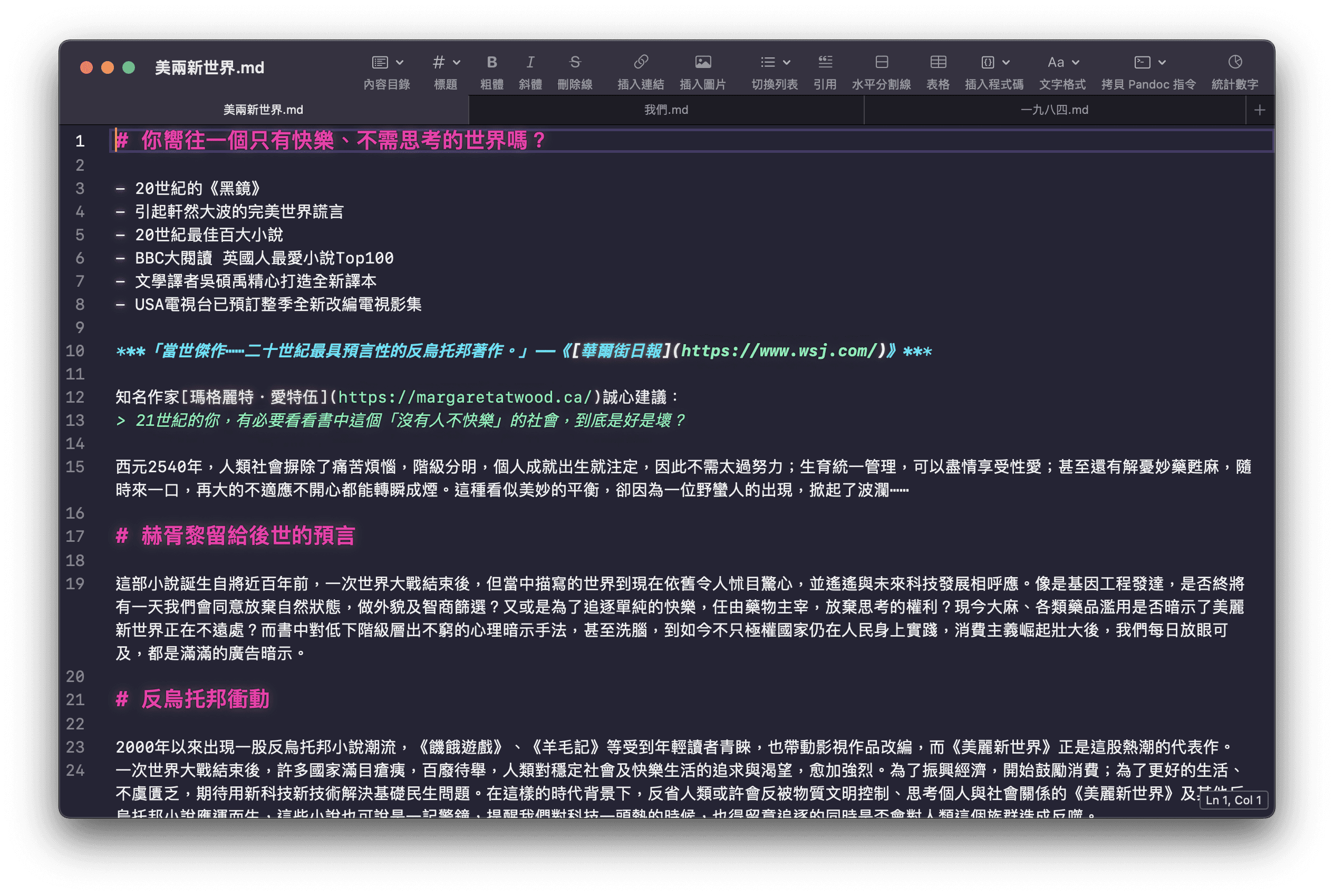
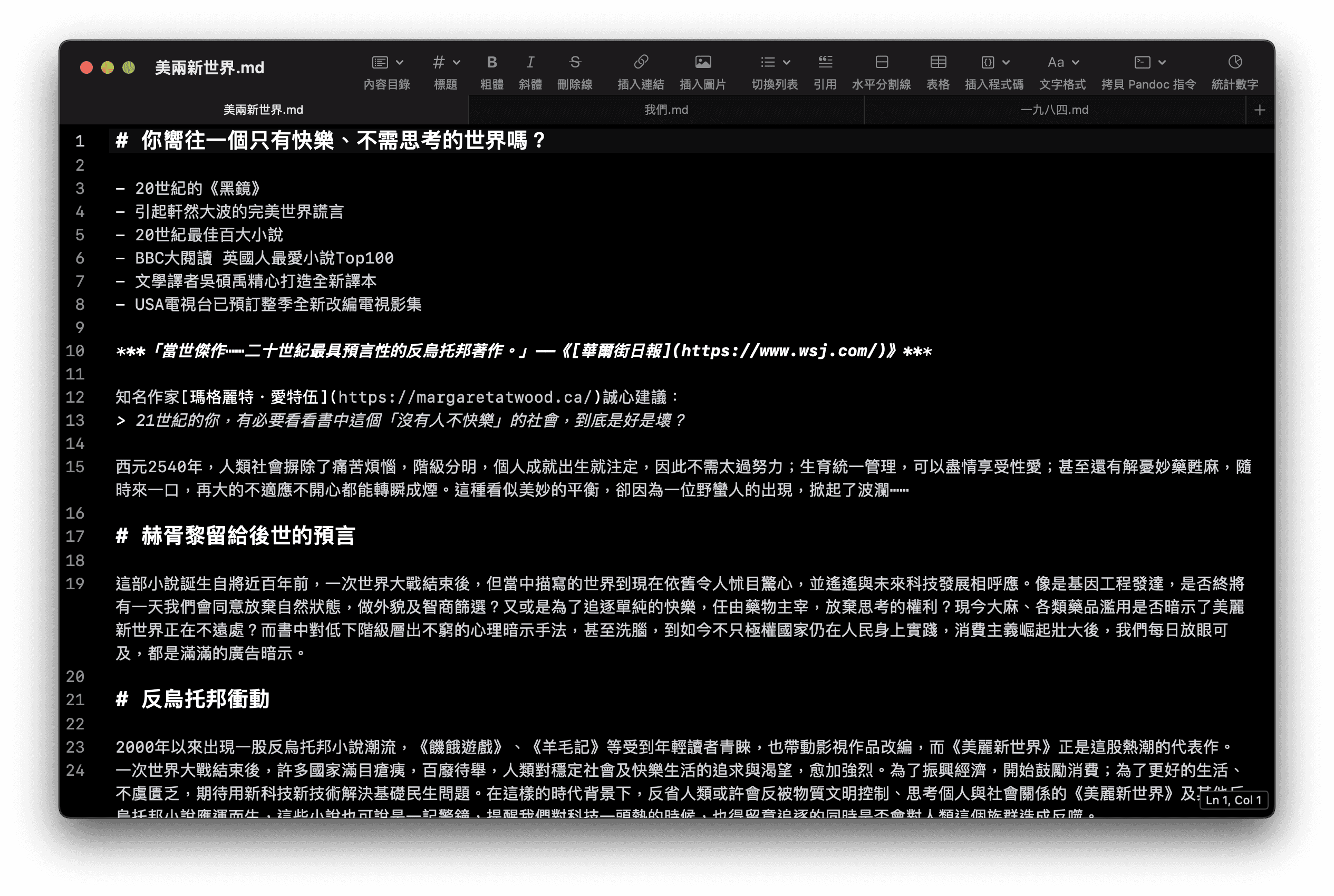
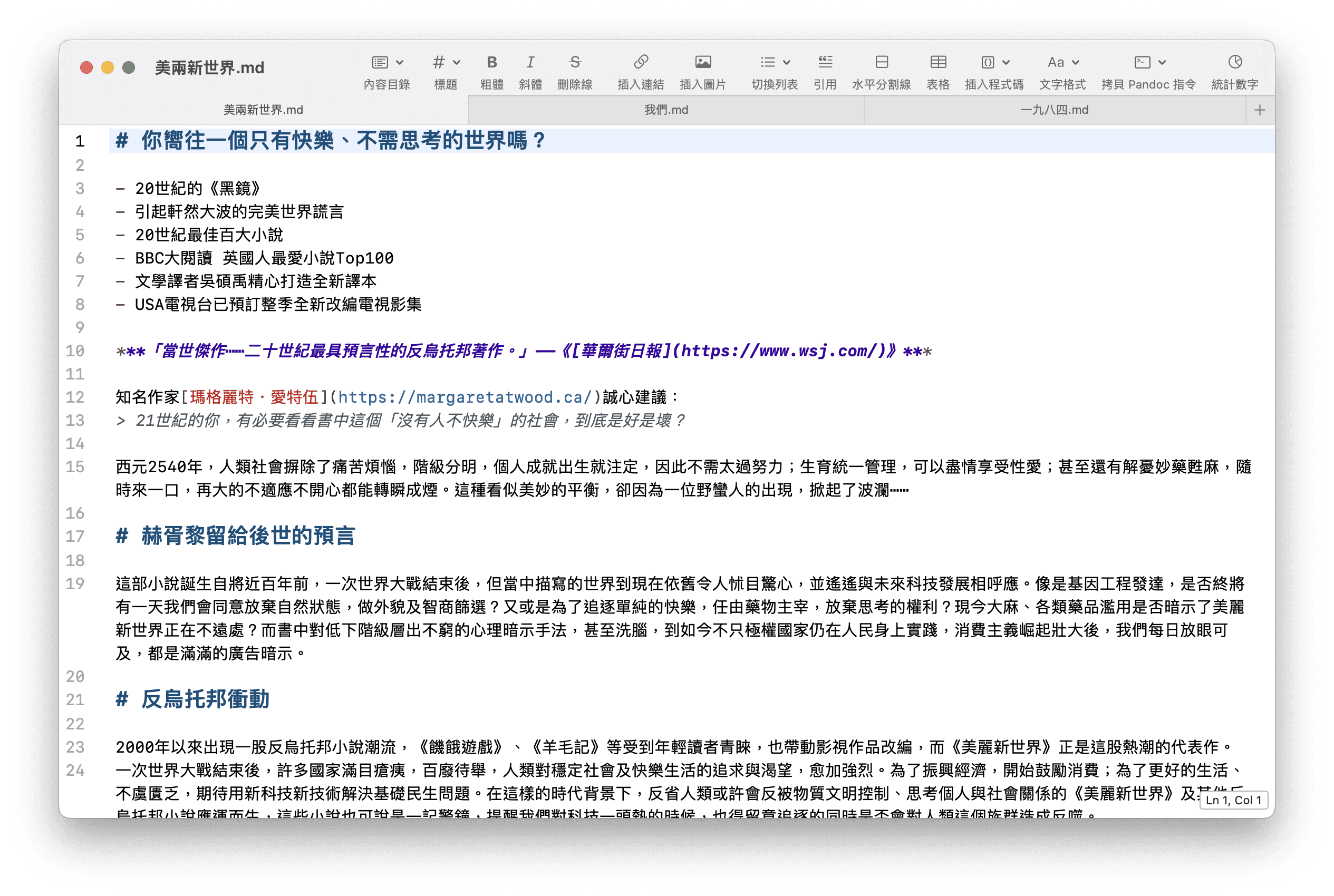
PegasusText is designed for users who still appreciate beautiful macOS apps. As a highly efficient document-based application, it offers many amazing features. We fully follow macOS design and interaction patterns, including UI components and keyboard shortcuts. All native features are retained, such as pressing to quickly look up words or phrases, force-touching and holding links to view an article preview of a webpage, using Option-Esc to complete word spelling, and checking spelling as you type. It is worth mentioning that if you are using macOS Sonoma or later, PegasusText also provides predictive text.
Requires macOS 12 Monterey or later.
Simple, lightweight, and fast
PegasusText is designed for users who still appreciate beautiful macOS apps. As a highly efficient document-based application, it offers many amazing features. We fully follow macOS design and interaction patterns, including UI components and keyboard shortcuts. All native features are retained, such as pressing to quickly look up words or phrases, force-touching and holding links to view an article preview of a webpage, using Option-Esc to complete word spelling, and checking spelling as you type. It is worth mentioning that if you are using macOS Sonoma or later, PegasusText also provides predictive text.
Requires macOS 12 Monterey or later.
Simple, lightweight, and fast
PegasusText is designed for users who still appreciate beautiful macOS apps. As a highly efficient document-based application, it offers many amazing features. We fully follow macOS design and interaction patterns, including UI components and keyboard shortcuts. All native features are retained, such as pressing to quickly look up words or phrases, force-touching and holding links to view an article preview of a webpage, using Option-Esc to complete word spelling, and checking spelling as you type. It is worth mentioning that if you are using macOS Sonoma or later, PegasusText also provides predictive text.
Requires macOS 12 Monterey or later.
Buyout
One-time purchase, no annoying in-app
purchases or subscriptions
Lightweight
Say goodbye to bloat — PegasusText is only
6 MB in size
Simple
You don’t need to learn a lot about how to
use it just to get started.
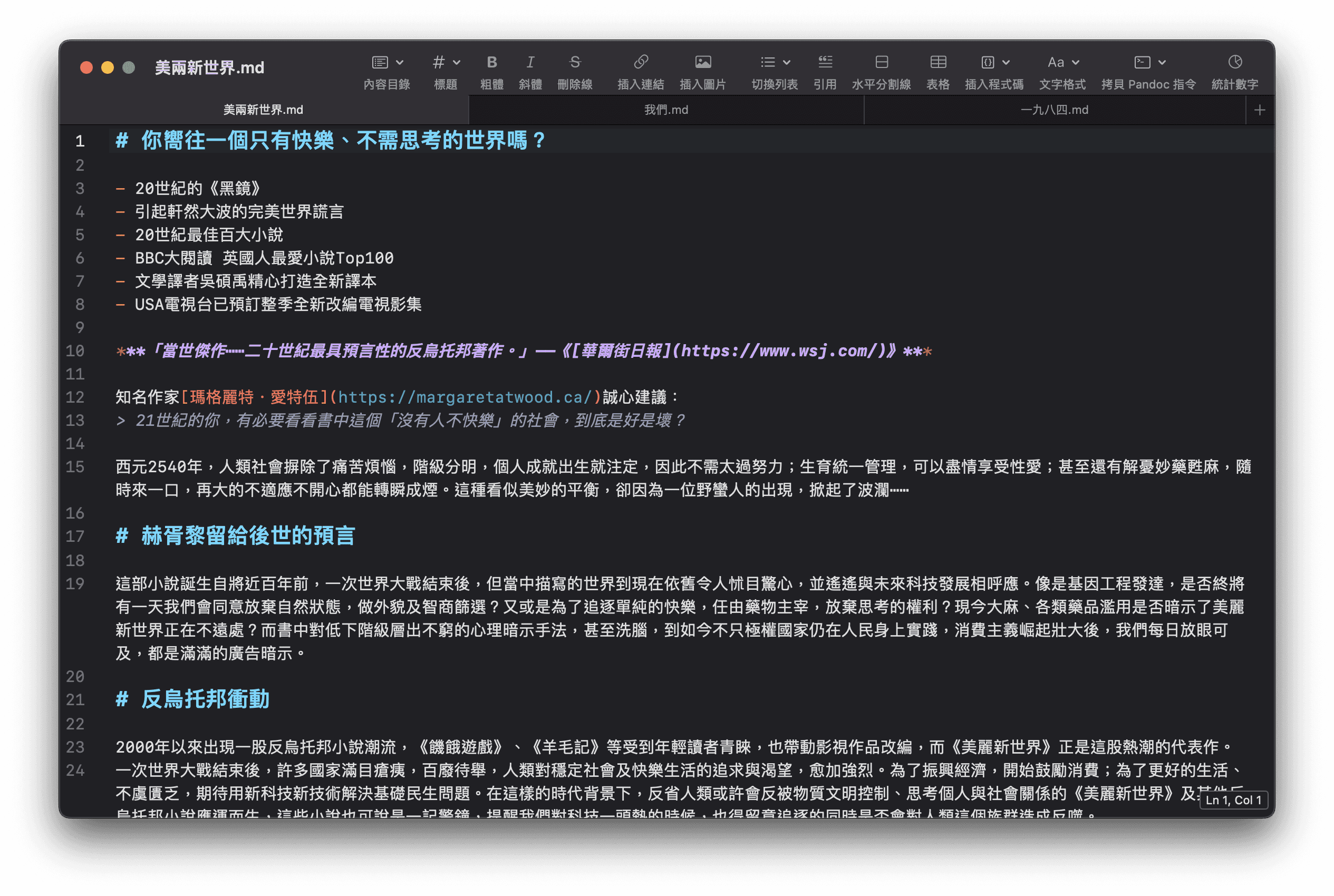
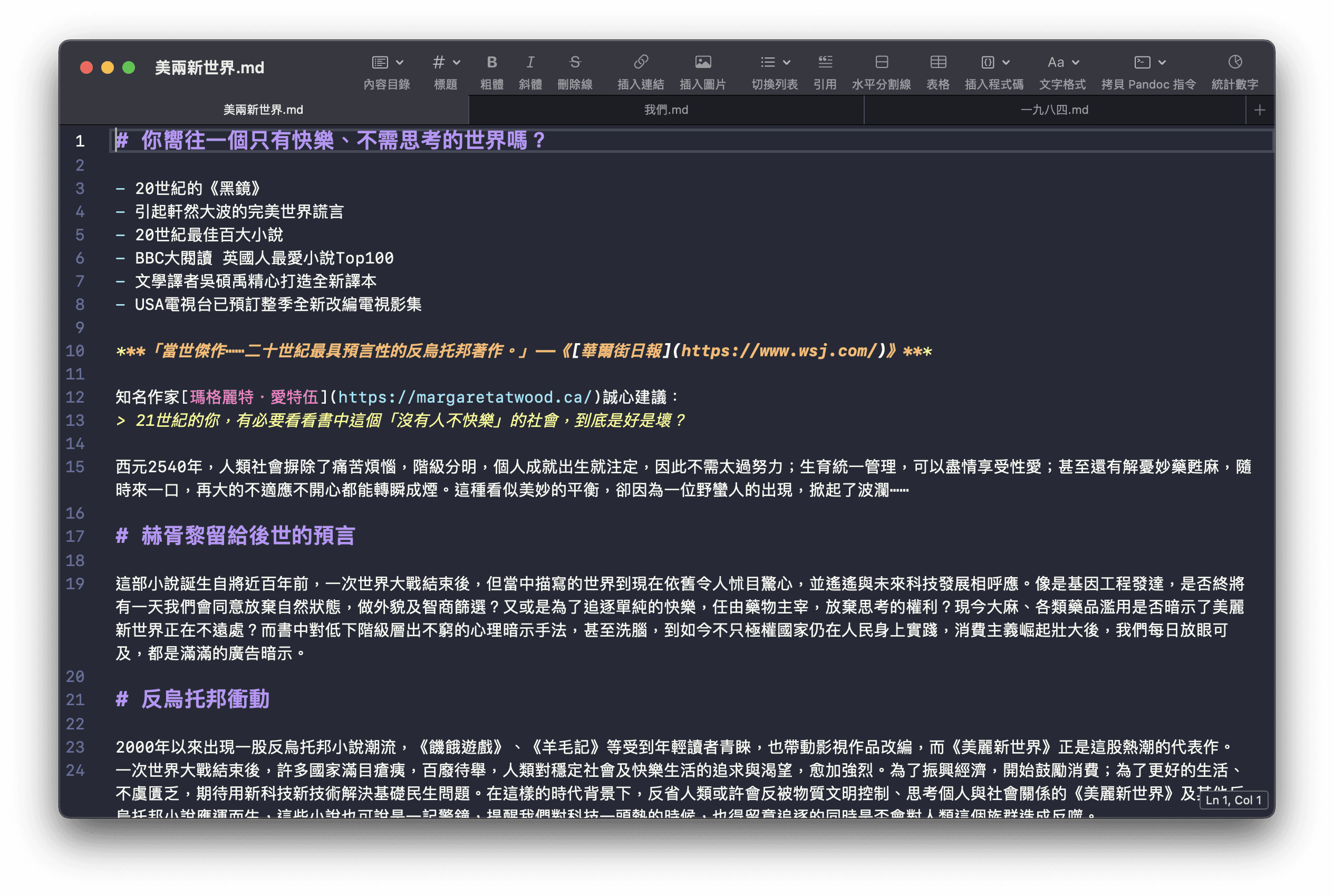
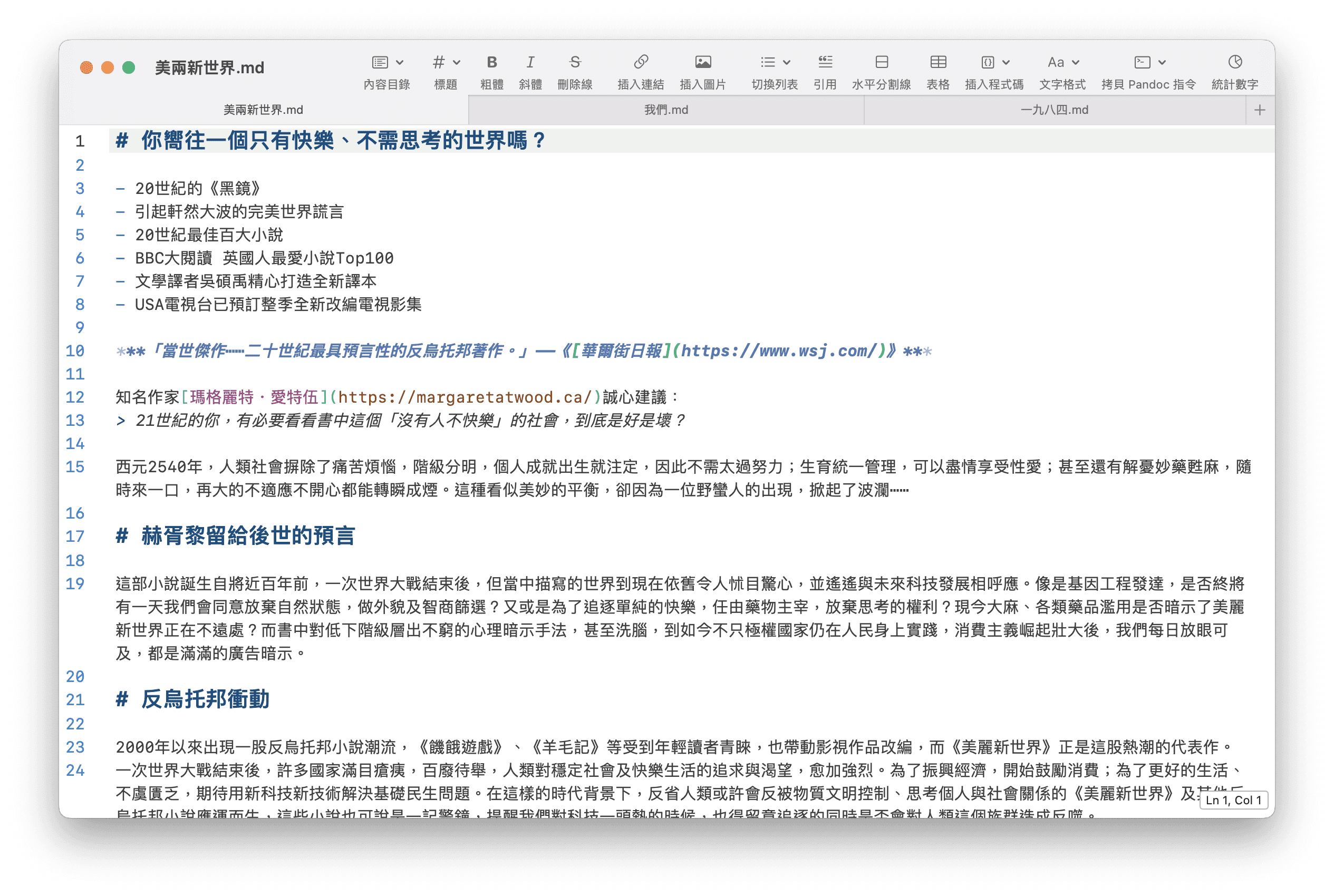
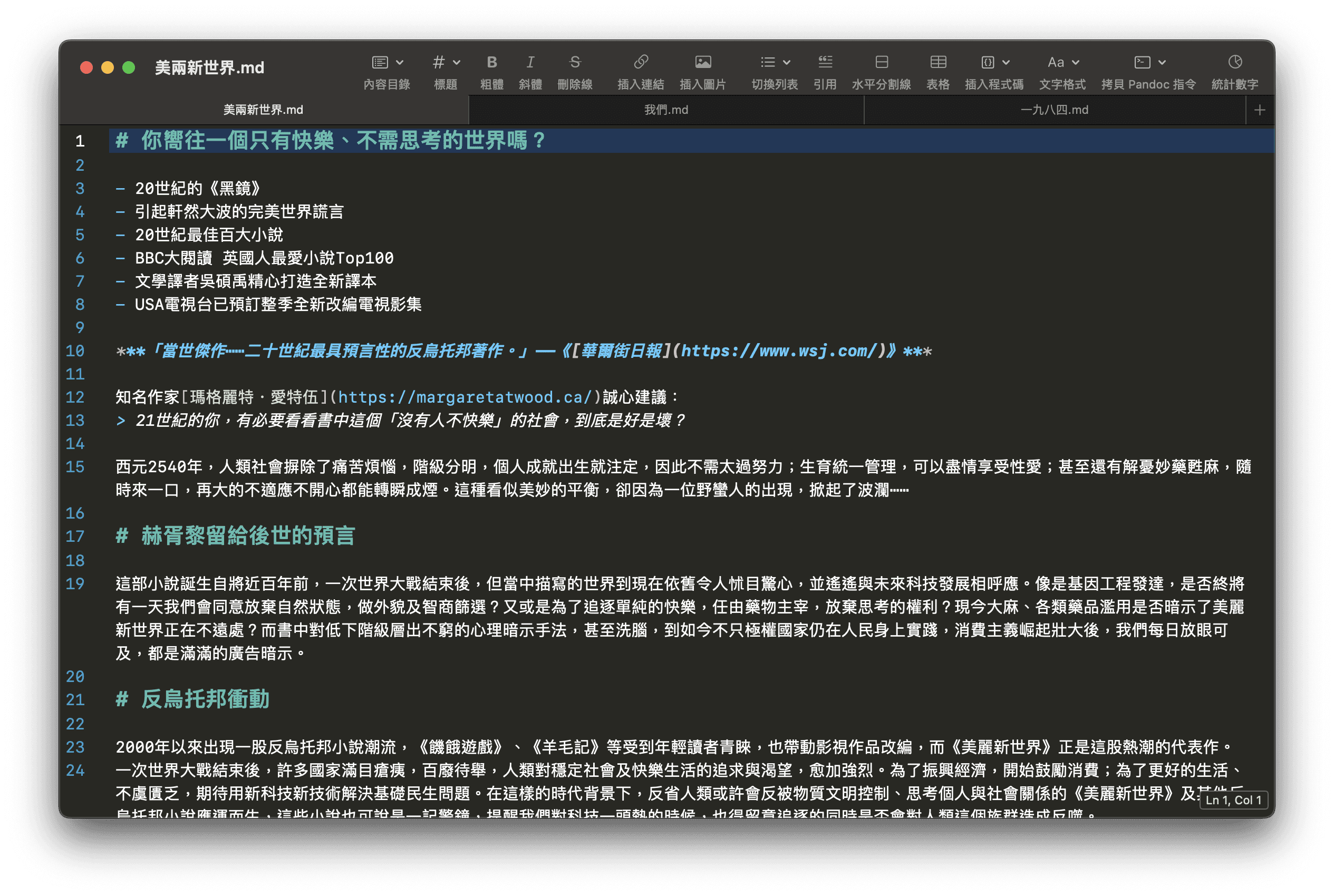
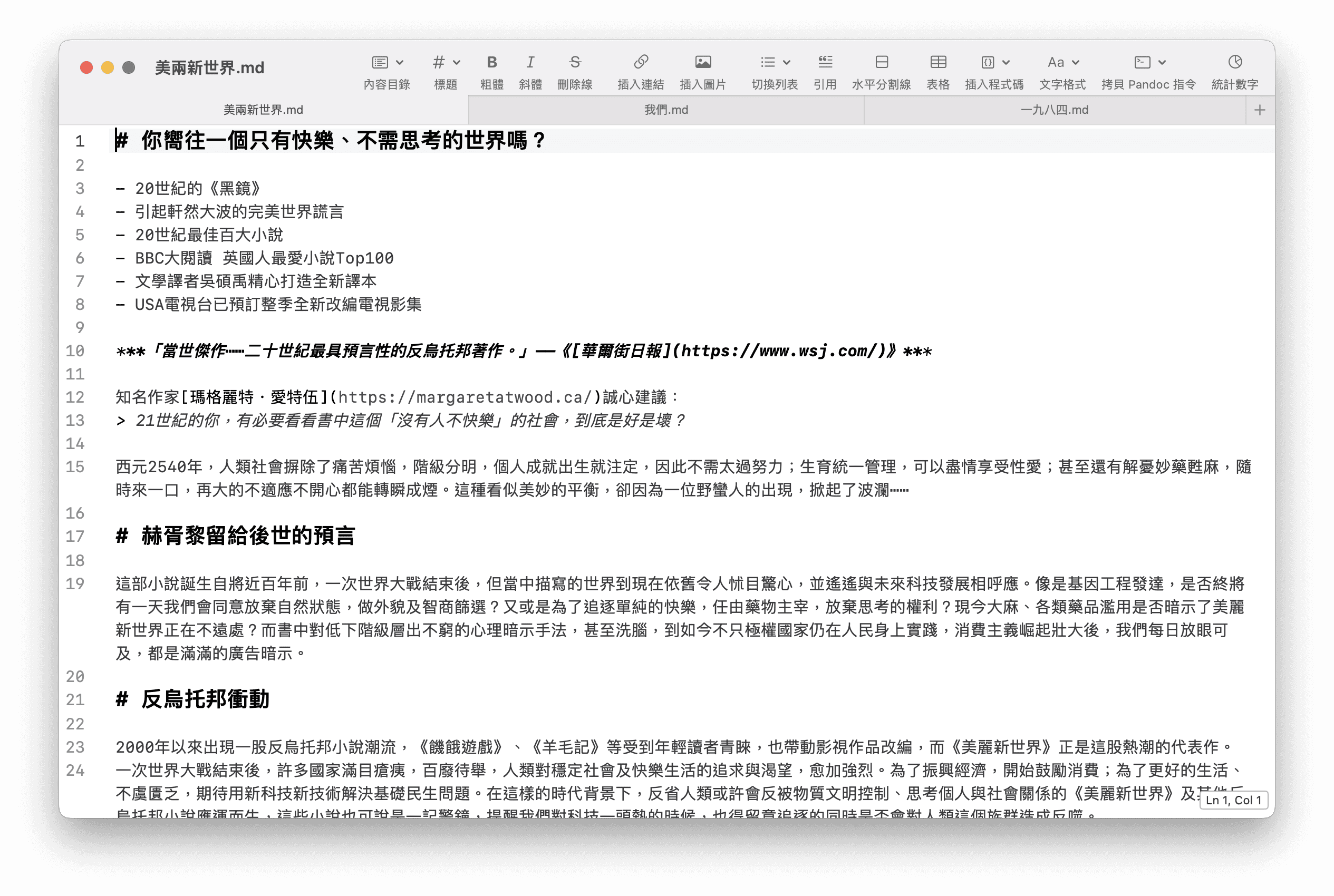
Incredibly fast
Many Markdown apps can’t open 2 MB files, and they can’t smoothly edit 500 KB files with syntax highlighting enabled. But PegasusText can.
Easy to Open
Open files over 10 MB with ease. In testing, an M1 Pro + 16 GB RAM opened a 100 MB file in just a few seconds.
Smooth editing
PegasusText has the ability to handle large files. It can smoothly edit Markdown files with millions of words or hundreds of thousands of pages.

Incredibly fast
Many Markdown apps can’t open 2 MB files, and they can’t smoothly edit 500 KB files with syntax highlighting enabled. But PegasusText can.
Easy to Open
Open files over 10 MB with ease. In testing, an M1 Pro + 16 GB RAM opened a 100 MB file in just a few seconds.
Smooth editing
PegasusText has the ability to handle large files. It can smoothly edit Markdown files with millions of words or hundreds of thousands of pages.
Incredibly fast
Many Markdown apps can’t open 2 MB files, and they can’t smoothly edit 500 KB files with syntax highlighting enabled. But PegasusText can.
Easy to Open
Open files over 10 MB with ease. In testing, an M1 Pro + 16 GB RAM opened a 100 MB file in just a few seconds.
Smooth editing
PegasusText has the ability to handle large files. It can smoothly edit Markdown files with millions of words or hundreds of thousands of pages.
Worry-Free Restore
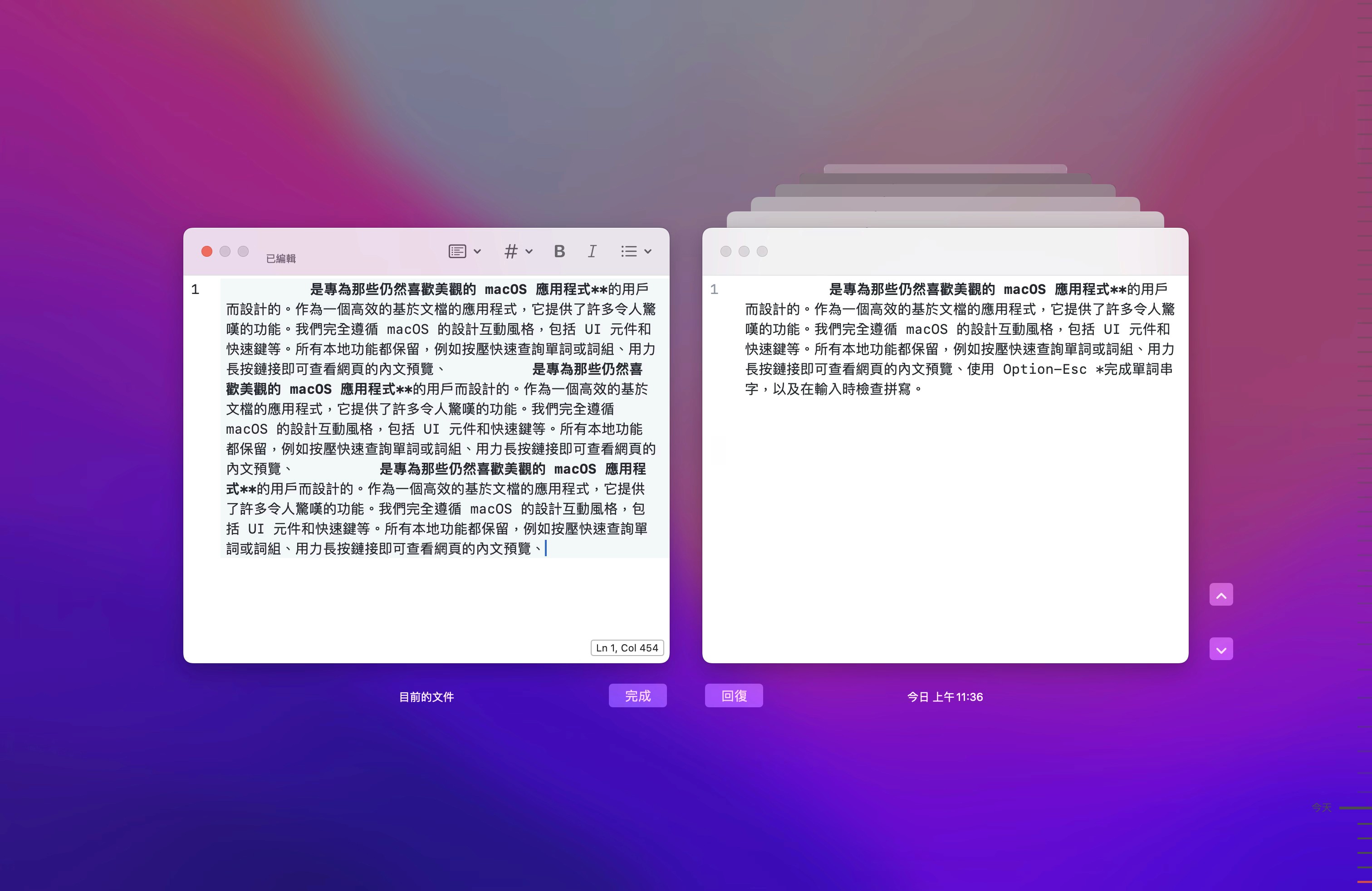
By default, PegasusText keeps a set of automatic backups on your computer. This lets you restore them worry-free if you accidentally delete or modify them, or if you want to roll back changes proactively. Building on this, we’ve also added text comparison features to help you identify paragraphs and text with content differences.
Worry-Free Restore
By default, PegasusText keeps a set of automatic backups on your computer. This lets you restore them worry-free if you accidentally delete or modify them, or if you want to roll back changes proactively. Building on this, we’ve also added text comparison features to help you identify paragraphs and text with content differences.
Worry-Free Restore
By default, PegasusText keeps a set of automatic backups on your computer. This lets you restore them worry-free if you accidentally delete or modify them, or if you want to roll back changes proactively. Building on this, we’ve also added text comparison features to help you identify paragraphs and text with content differences.
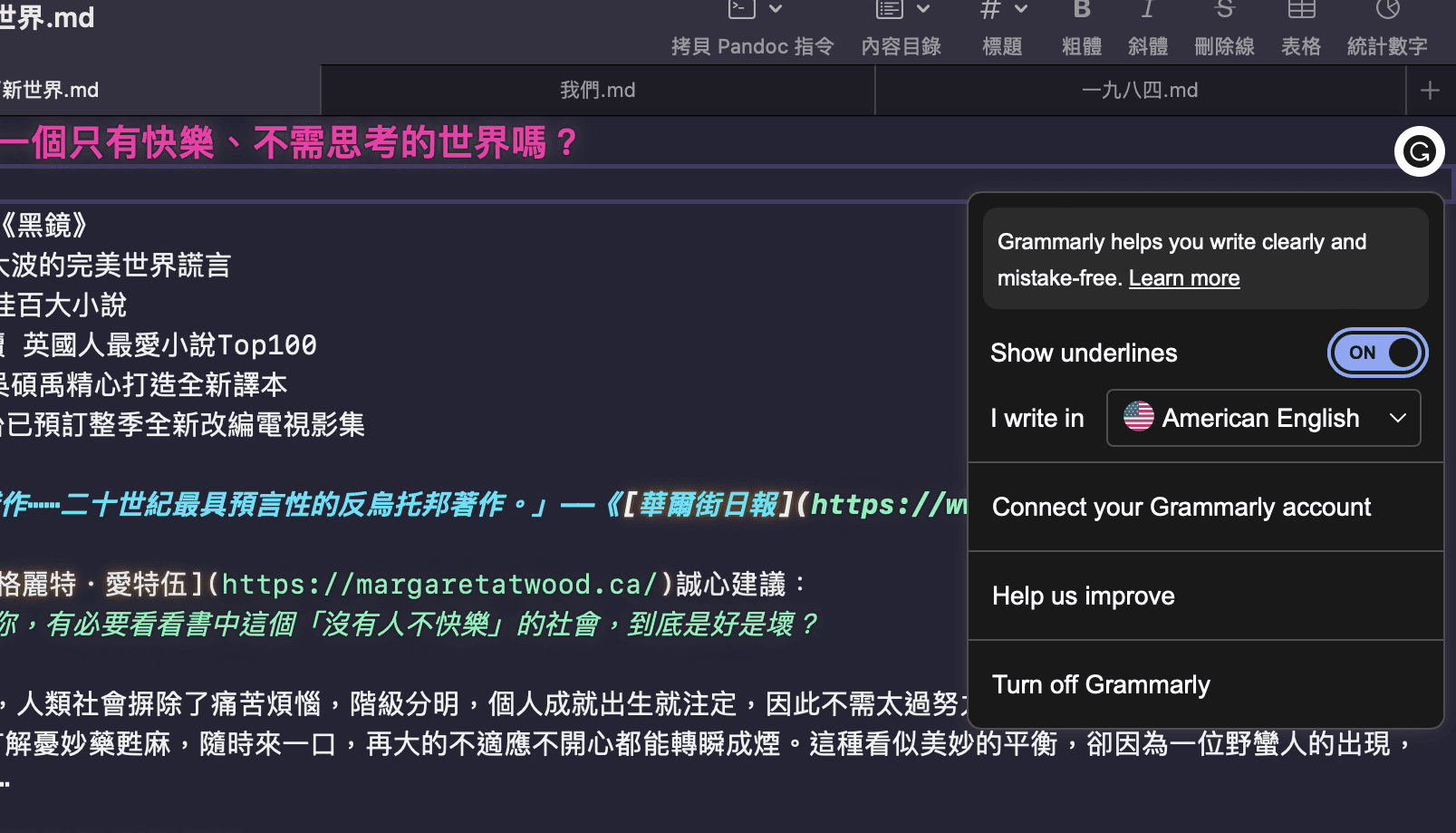
Grammarly
In addition to the default text checker in native macOS apps, PegasusText also integrates Grammarly.com for proofreading, and you can even sign in to your account to use advanced features. It is built on Grammarly’s official SDK, so it can communicate directly with their servers.
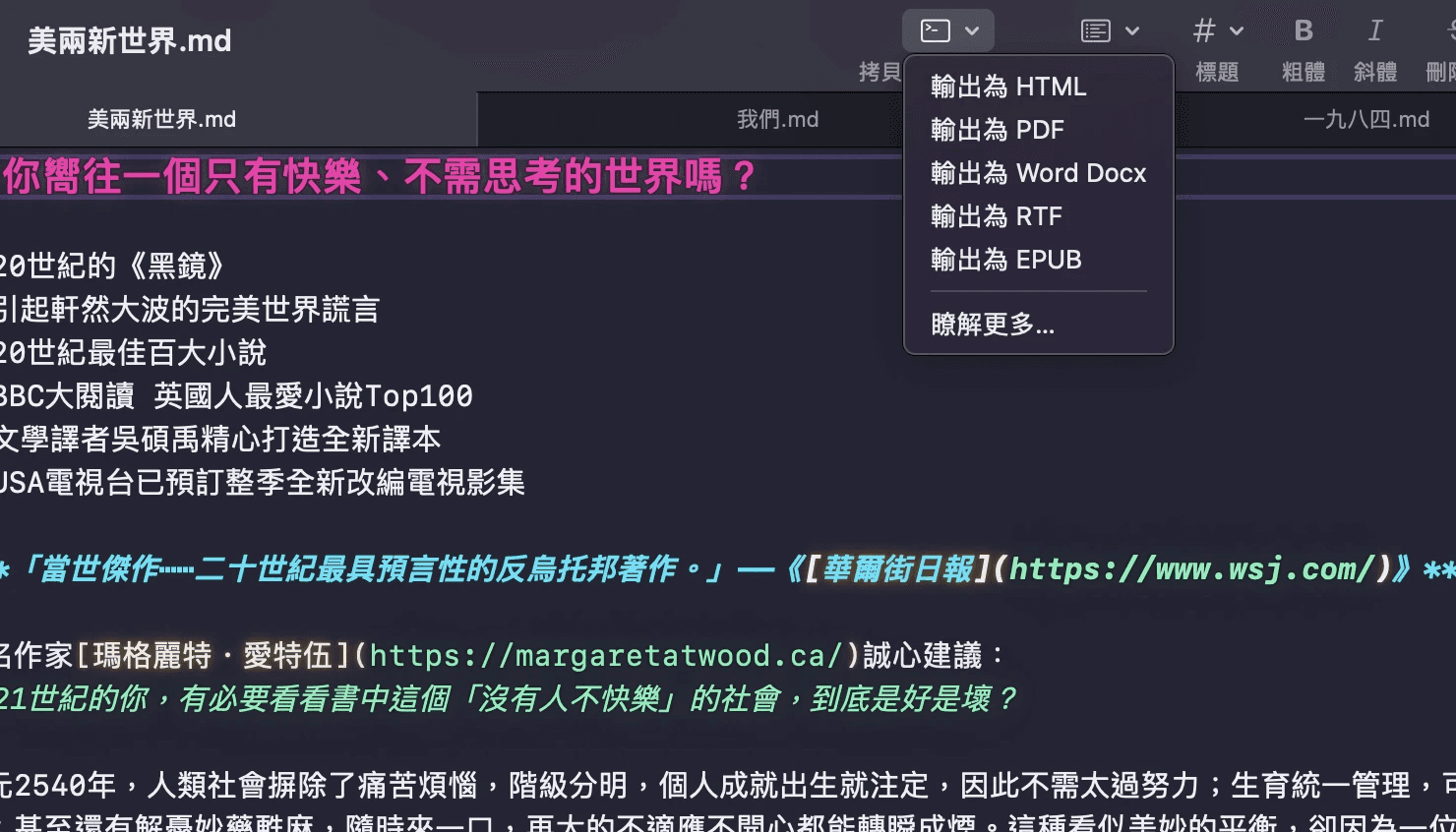
Pandoc
PegasusText does not support exporting Markdown files to other formats, because we simply don’t believe we can do a better job than Pandoc. We have built-in Pandoc commands, so you can copy the command in PegasusText and paste it into the terminal to run it.
Grammarly
In addition to the default text checker in native macOS apps, PegasusText also integrates Grammarly.com for proofreading, and you can even sign in to your account to use advanced features. It is built on Grammarly’s official SDK, so it can communicate directly with their servers.
Pandoc
PegasusText does not support exporting Markdown files to other formats, because we simply don’t believe we can do a better job than Pandoc. We have built-in Pandoc commands, so you can copy the command in PegasusText and paste it into the terminal to run it.
Grammarly
In addition to the default text checker in native macOS apps, PegasusText also integrates Grammarly.com for proofreading, and you can even sign in to your account to use advanced features. It is built on Grammarly’s official SDK, so it can communicate directly with their servers.
Pandoc
PegasusText does not support exporting Markdown files to other formats, because we simply don’t believe we can do a better job than Pandoc. We have built-in Pandoc commands, so you can copy the command in PegasusText and paste it into the terminal to run it.
Buyout
One-time purchase, no annoying in-app purchases or subscriptions
Lightweight
Say goodbye to bloat — PegasusText is only 6 MB in size
Simple
You don’t need to learn a lot about how to use it just to get started.
Buyout
One-time purchase, no annoying in-app
purchases or subscriptions
Lightweight
Say goodbye to bloat — PegasusText is
only 6 MB in size
Simple
You don’t need to learn a lot about how
to use it just to get started.

Control your own data.
Besides editor settings, PegasusText does not store any content. We don’t care how you sync files; it can be iCloud or any other cloud storage.
Distraction-free user interface
PegasusText has a super clean user interface. We don’t have 100 buttons on the screen to make the app powerful, which also makes it feel right at home on macOS.
Expandable, more choices
Because PegasusText embraces macOS native app conventions, we fully support system services, which opens up many possibilities. In addition, you can also create your own shortcut scripts to handle text.
Control your own data.
Besides editor settings, PegasusText does not store any content. We don’t care how you sync files; it can be iCloud or any other cloud storage.
Distraction-free user interface
PegasusText has a super clean user interface. We don’t have 100 buttons on the screen to make the app powerful, which also makes it feel right at home on macOS.
Expandable, more choices
Because PegasusText embraces macOS native app conventions, we fully support system services, which opens up many possibilities. In addition, you can also create your own shortcut scripts to handle text.